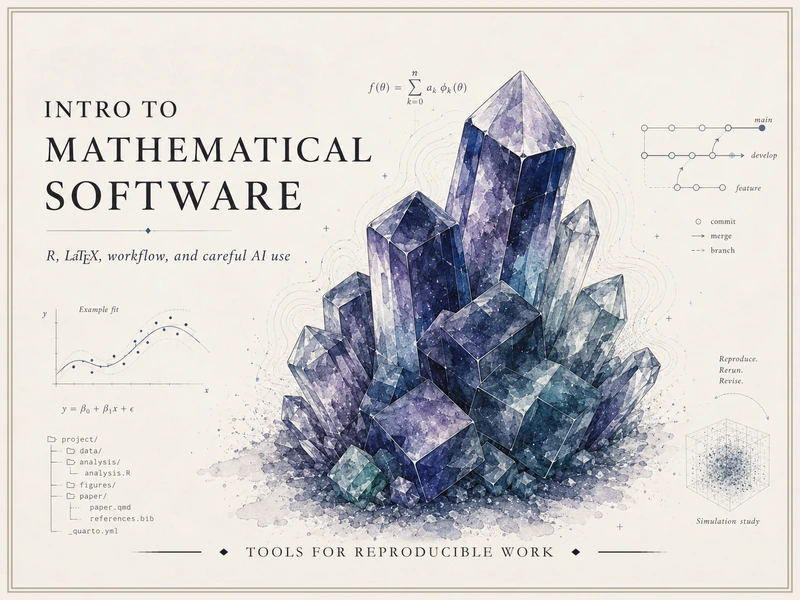
Intro to Mathematical Software
This site collects public-facing resources for Intro to Mathematical Software — a conference-based studio course in modern mathematical and computational workflow: mathematical writing in LaTeX, computation and visualization in R, reproducible Quarto projects, and the careful, verified use of AI assistants. Curated by Matt Hester.
It is a curated resource site, not a raw course archive. Anything section- or roster-specific lives in the course LMS; this site is what stays public.
Where to start
- Syllabus — course identity, conferences, grading, and policies (sanitized for public view)
- Schedule — generic week-by-week topic map
- Notes — short conceptual write-ups
- Labs — step-by-step walkthroughs you can run on your own machine
- Examples — small, reproducible code examples
- Resources — software setup, AI guidelines, data guidelines, CAS options, and outside links
What this course is about
Four interlocking pillars, woven together across the semester:
- LaTeX / mathematical writing — typeset mathematics, theorem and proof blocks, figures, citations.
- R / computation, visualization, simulation, and reporting — wrangle, plot, simulate, narrate.
- Technical workflow — Quarto, project organization, reproducibility, portfolio building, optional light Git/GitHub.
- Responsible AI-assisted technical work — disclosure, verification, revision, and critique.
The course is AI-native, not AI-only. AI assistants are legitimate first-pass helpers for explanation, debugging, drafting, syntax lookup, and workflow support. Verification is the load-bearing move: accountability comes from rendered documents, executable code, official documentation, reproducible organization, AI Use Notes, and short instructor conferences — not from refusing AI on principle and not from accepting AI uncritically.
How the course meets
Scheduled Mon/Wed class times are reserved for the five required checkpoint conferences (Weeks 1, 4, 7, 10, 13) plus optional demonstrations, troubleshooting, and open studio. Ordinary scheduled meetings are not required weekly lessons; the pacing comes from weekly deliverables. The course LMS remains the operational home for submissions, grades, announcements, due dates, and conference sign-ups.
What this course is not
It is not a survey of every mathematical software package. The optional CAS options page points at SageMath, WolframAlpha, Python + SymPy, MATLAB/Octave, and Maple for the Week 13 optional second-tool exploration. Public GitHub is optional, never required; portfolio organization is required but public posting is not.